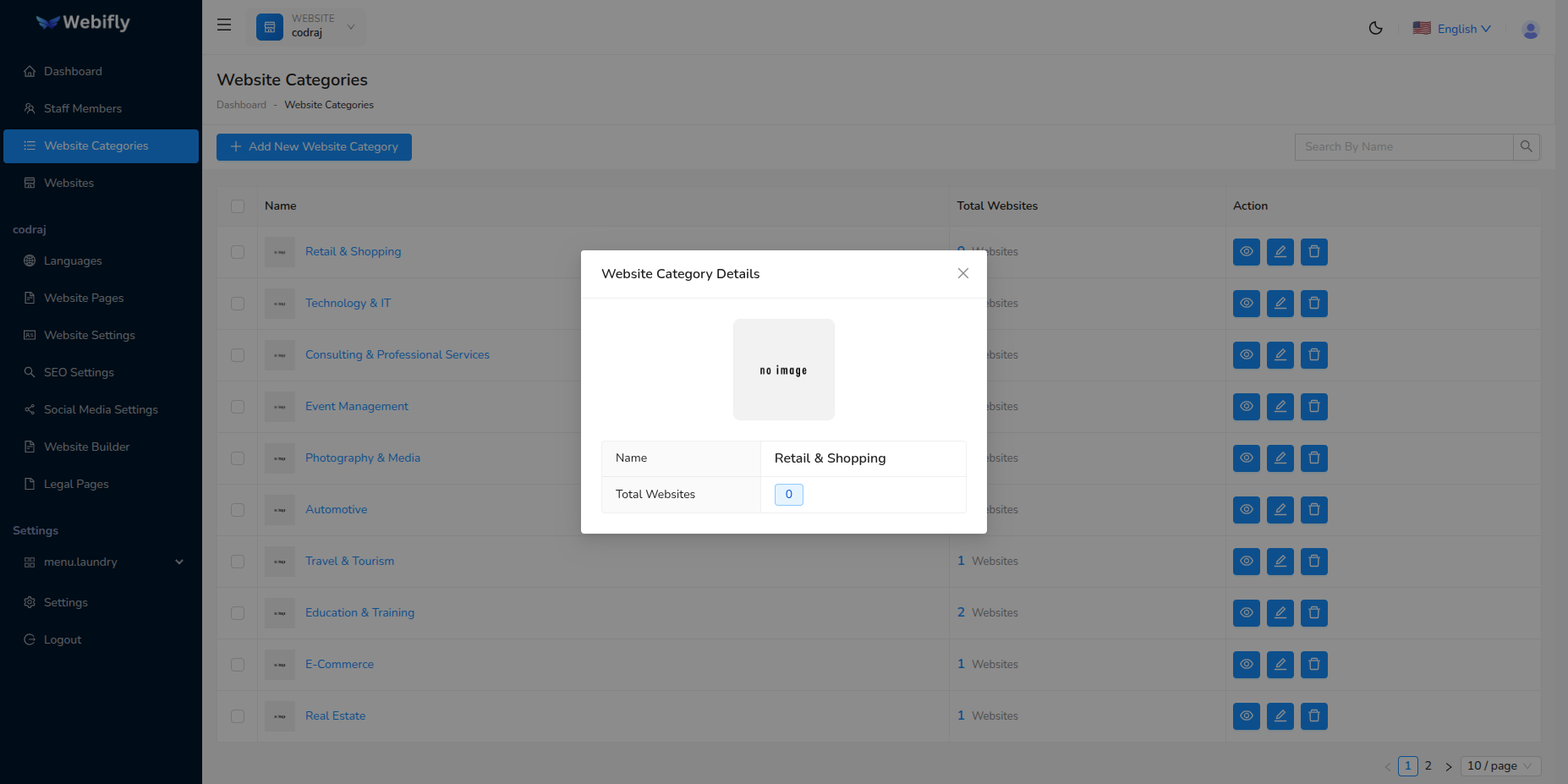
Website Categories
Website Categories help you organize your websites into logical groups. This makes it easier to manage multiple websites and find them quickly.
Creating a Category
To create a new website category:
- Go to Website Categories from the sidebar
- Click on Add New Category
- Enter the category name (e.g., "Event Management", "E-Commerce", "Photography & Media")
- Upload an optional category image
- Save the category
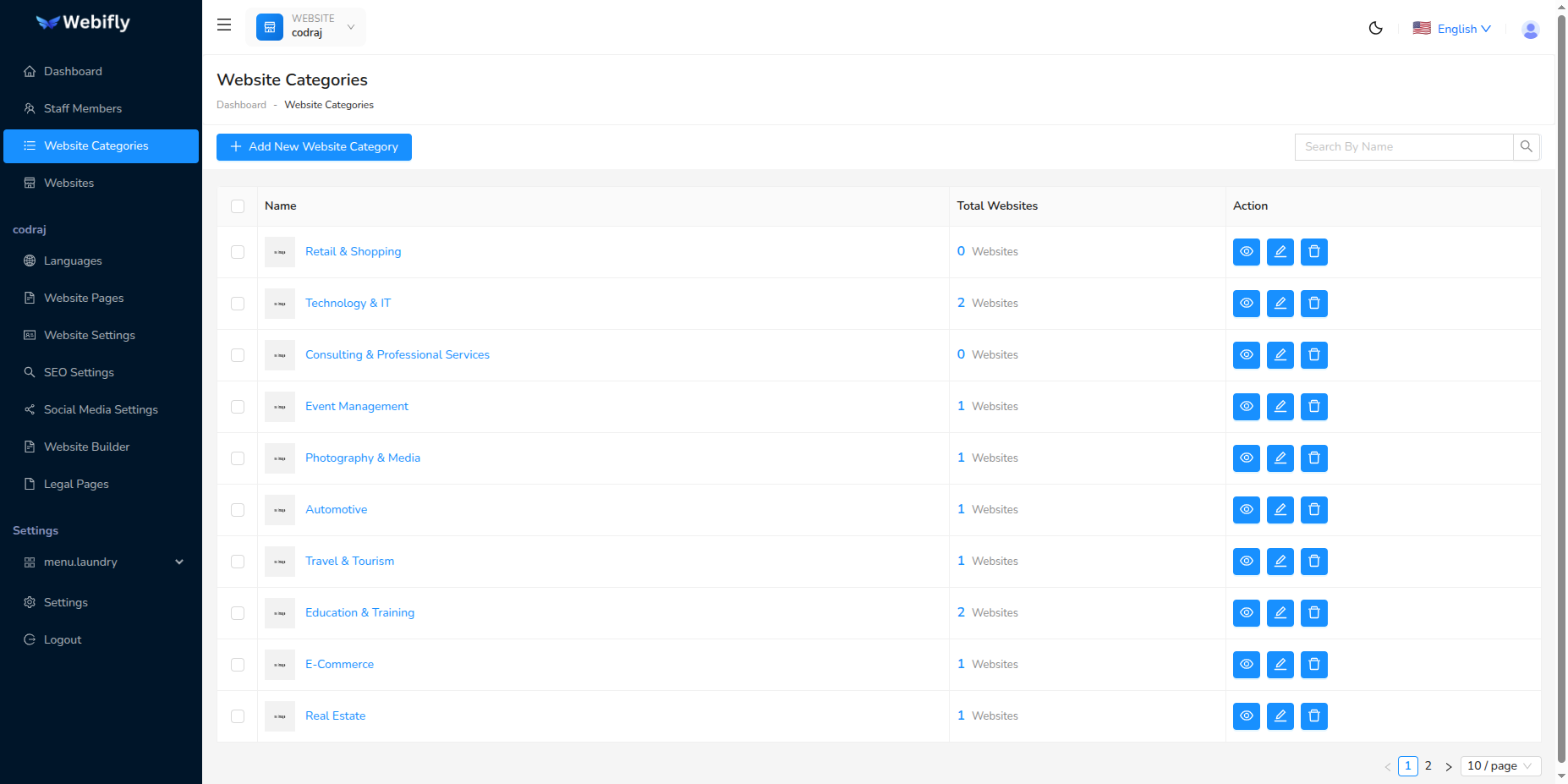
Category Management
From the categories page, you can:
- View the number of websites in each category
- Edit category details
- Delete categories (only if no websites are assigned)
- Search and filter categories