Website Pages
Website Pages allow you to create custom pages for your websites. Each page can have different content in multiple languages.
Creating a Page
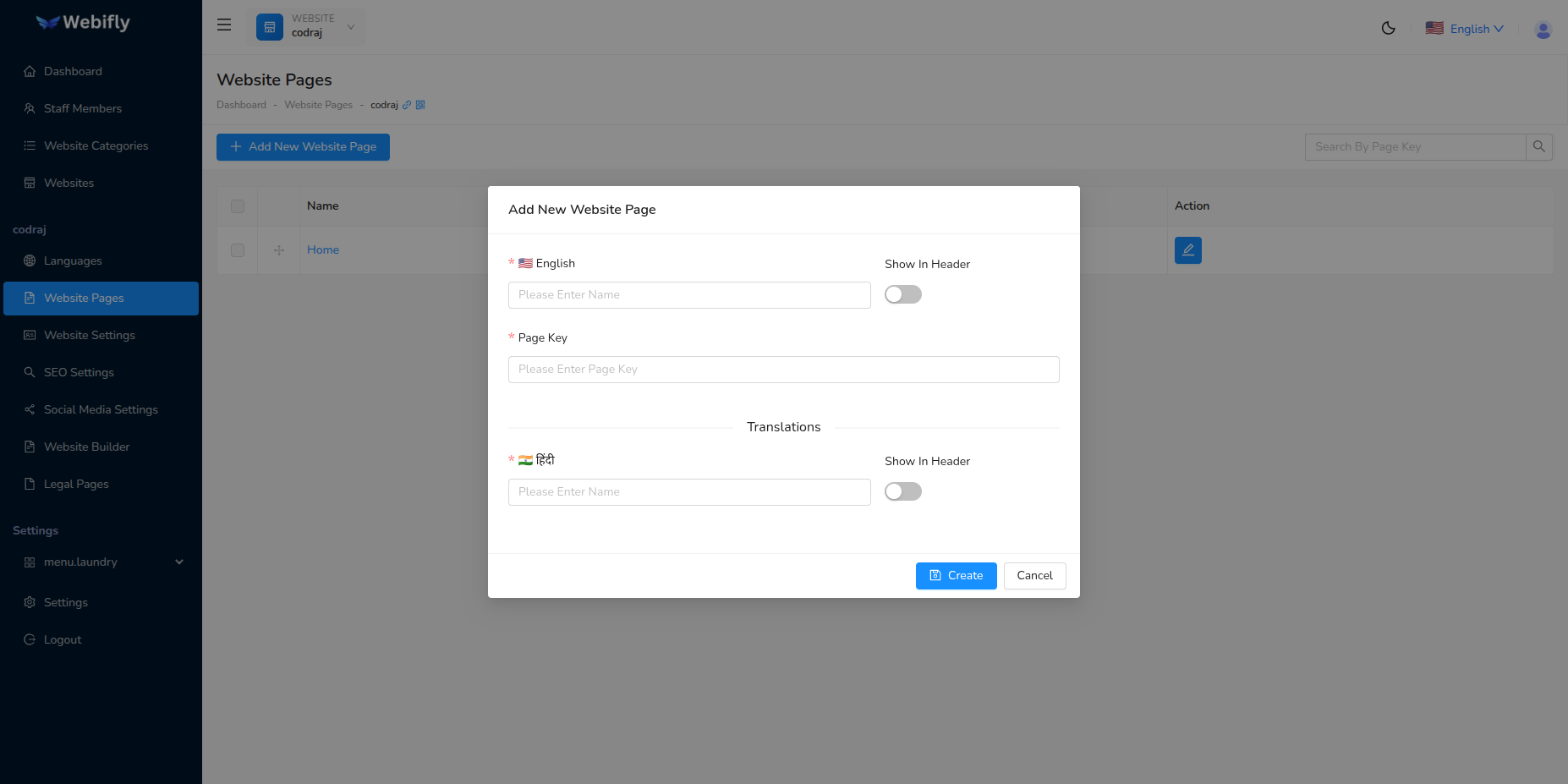
To create a new page:
- Select a website
- Click Add New Page
- Enter page details for each language
- Set page key (URL identifier)
- Configure if the page should show in the header navigation
Page Fields
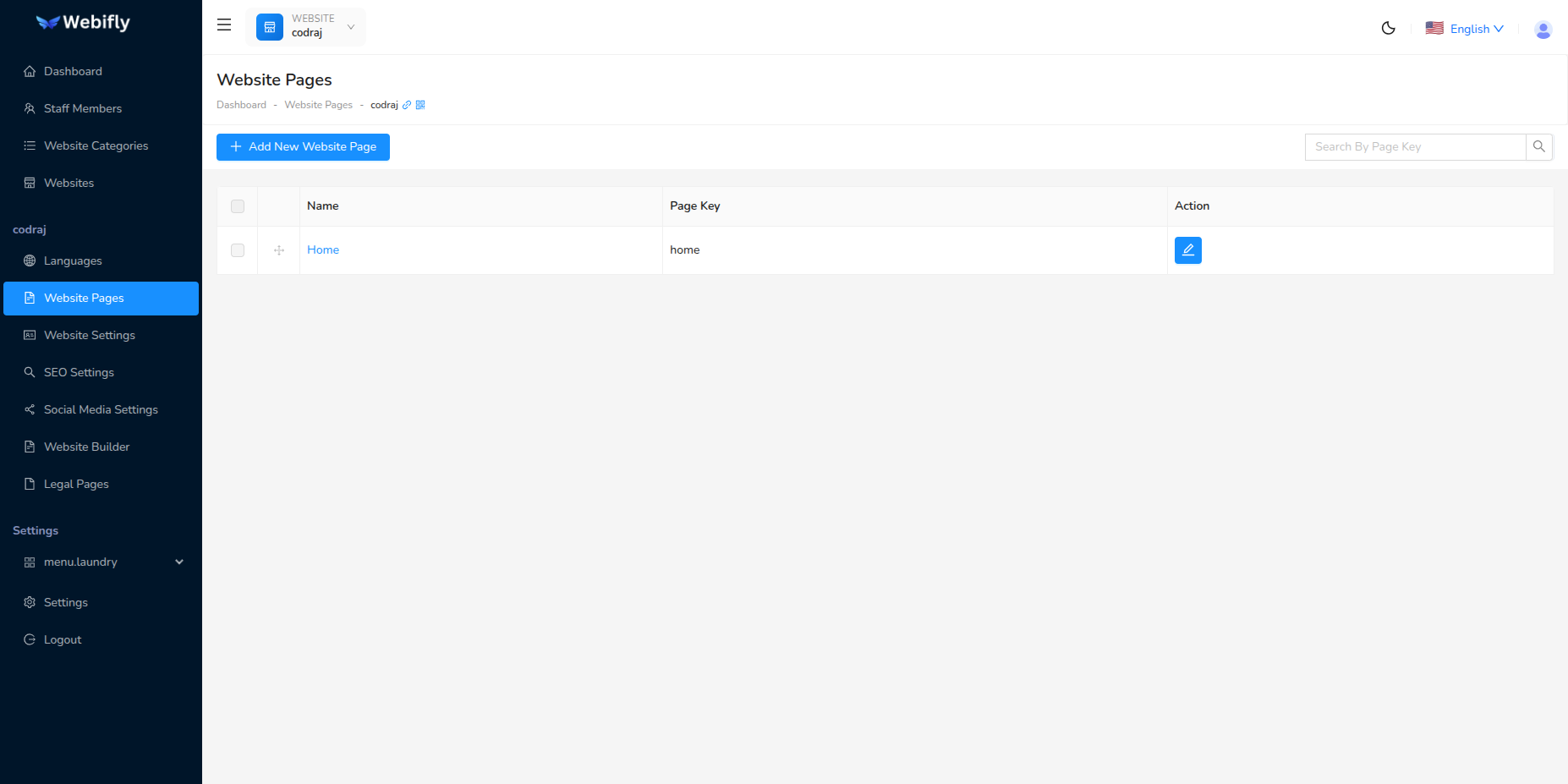
Page Name: Enter the page name in each language. The default language is shown first.
Page Key: A unique identifier for the page (auto-generated from the page name). This will be used in the URL.
Show in Header: Toggle to show/hide the page in the website's header navigation menu.
Multi-Language Pages
For each enabled language in your website, you can provide translated content:
- Each language has its own name field
- Auto-fill feature helps speed up the process
- Default language content can be used as a base for other languages