
Areas
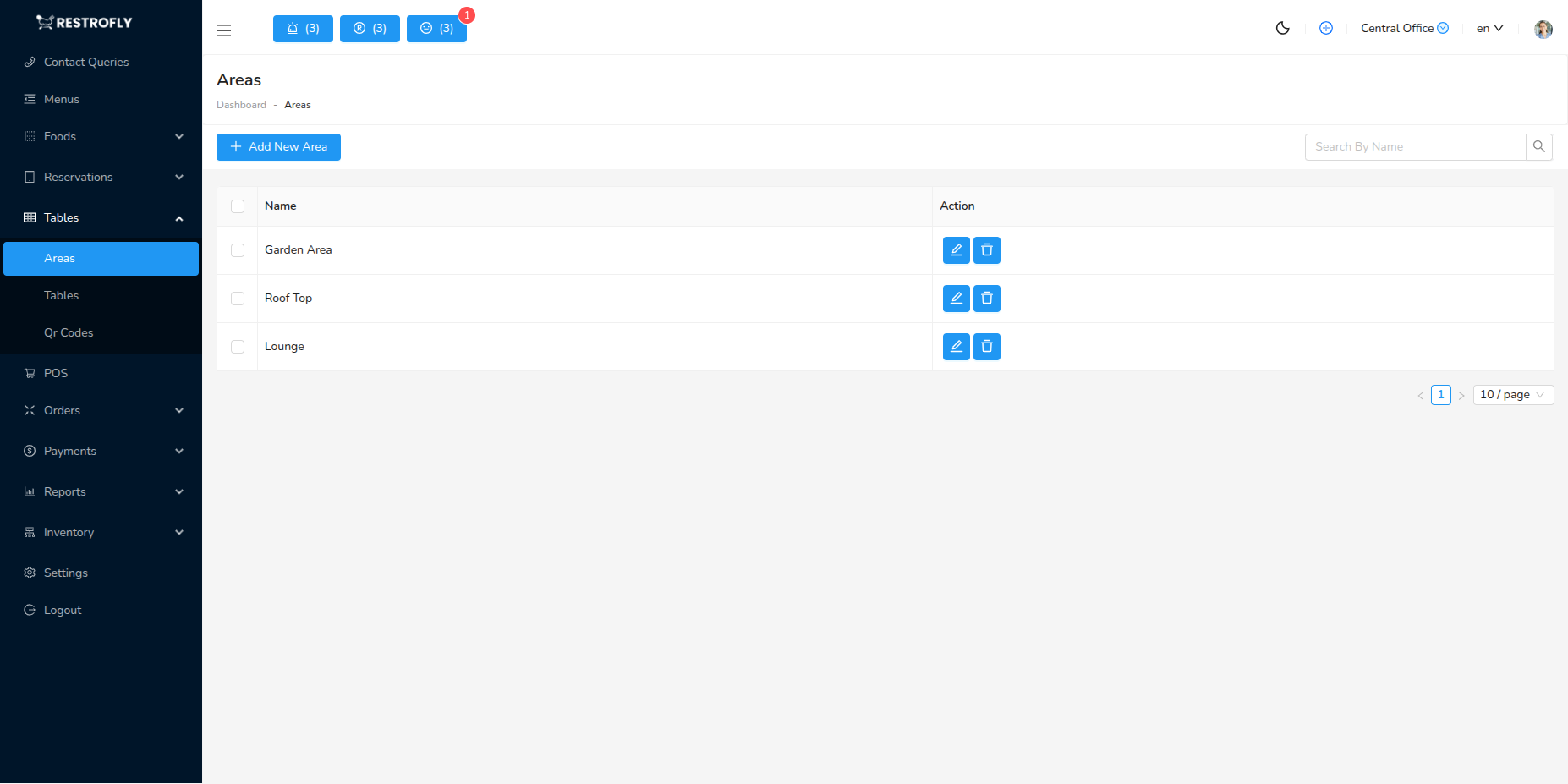
Areas represent different sections, floors, or zones in your restaurant where tables are located. Navigate to Tables → Areas to manage restaurant sections.
Overview
Areas help organize your restaurant layout by dividing tables into logical sections. This makes table management easier and helps staff quickly locate and assign tables.
Creating an Area
Click Add Area to create a new section.
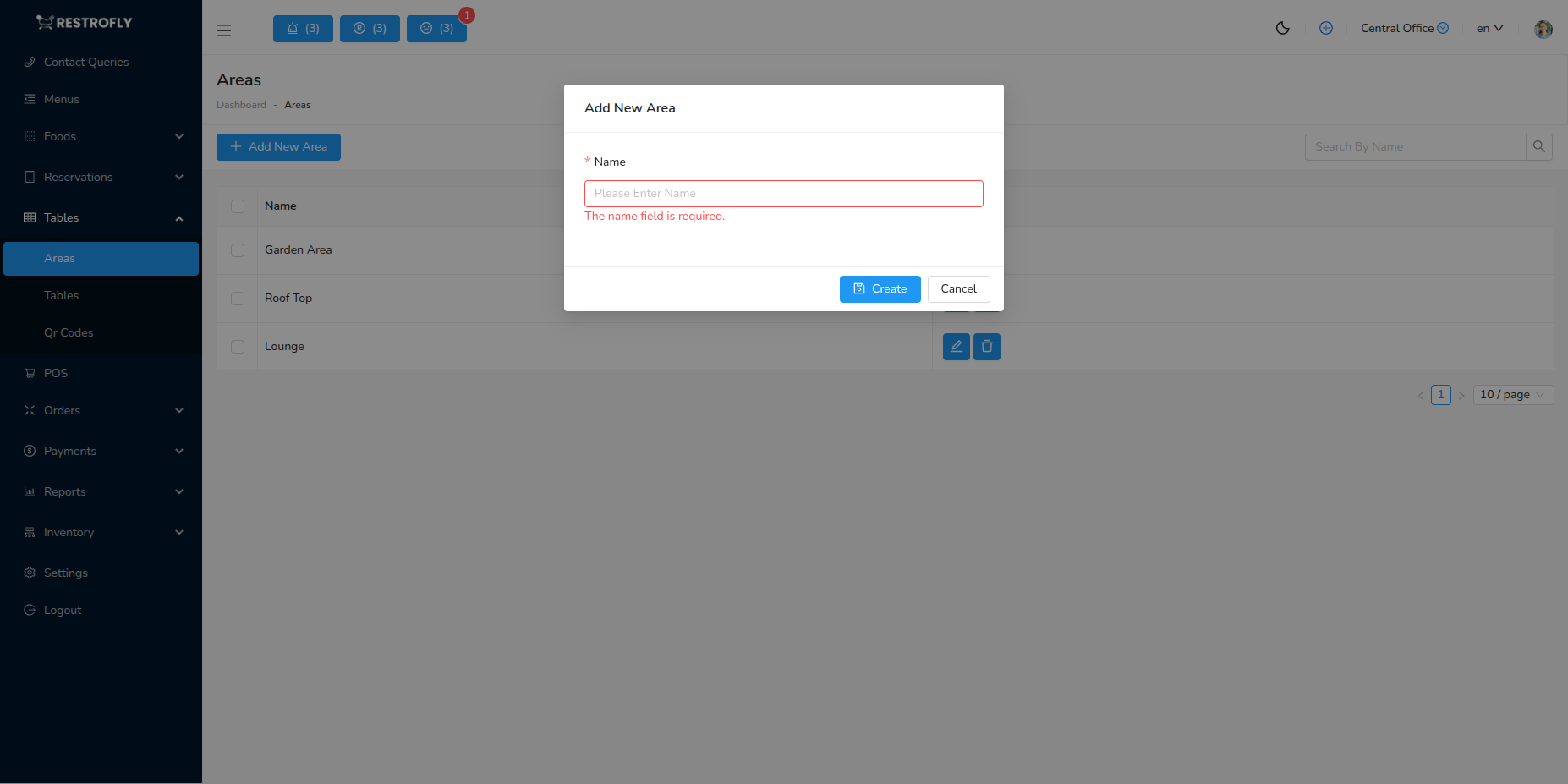
Name (Required)
- Name of the restaurant section
- Common examples: Ground Floor, First Floor, Main Dining Room, Patio, VIP Section
- Use names staff and customers understand
Best Practices
Logical Organization: Group tables by physical proximity and match actual layout. Clear Naming: Use simple, descriptive names. Service Assignment: Assign servers to specific areas for better service quality.
Section Assignment
Assign servers to specific areas/sections for ownership and better performance tracking.