
Payments
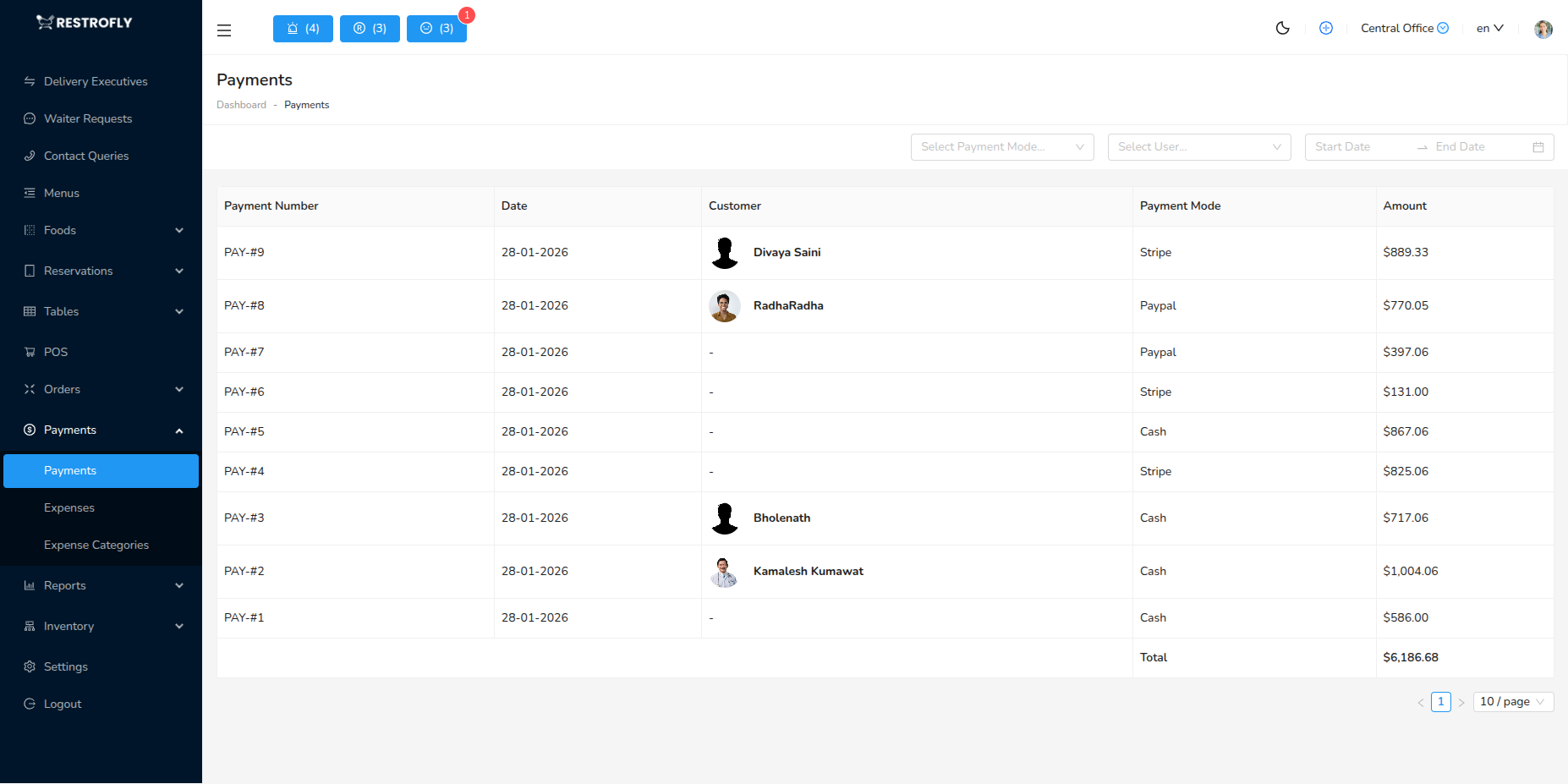
View and manage all payment transactions. Navigate to Payments → Payments to access payment records.
Overview
The Payments module records all incoming payments from customers - cash, card, online, and other payment methods. Essential for daily reconciliation and financial tracking.
Payment List View
Columns:
- Payment ID: Unique transaction number
- Order Number: Associated order
- Customer: Customer name
- Amount: Payment amount
- Payment Method: Cash, Card, Online, etc.
- Status: Success, Pending, Failed, Refunded
- Date & Time: Payment timestamp
- Processed By: Staff member who processed
Payment Methods:
- Cash: Physical cash payment
- Credit Card: Credit card payment
- Debit Card: Debit card payment
- UPI: Unified Payments Interface
- Digital Wallet: PayTM, PhonePe, Google Pay
- Bank Transfer: Direct bank transfer
- Gift Card: Restaurant gift card redemption
- Other: Other payment methods
Filters:
- Date range
- Payment method
- Status
- Amount range
- Customer
Viewing Payment Details
Transaction Information: Payment ID, transaction reference, payment gateway ID (online payments), authorization code
Order Link: Link to associated order, view order details, match payment to service
Customer Information: Customer name and contact, customer payment history, outstanding balances
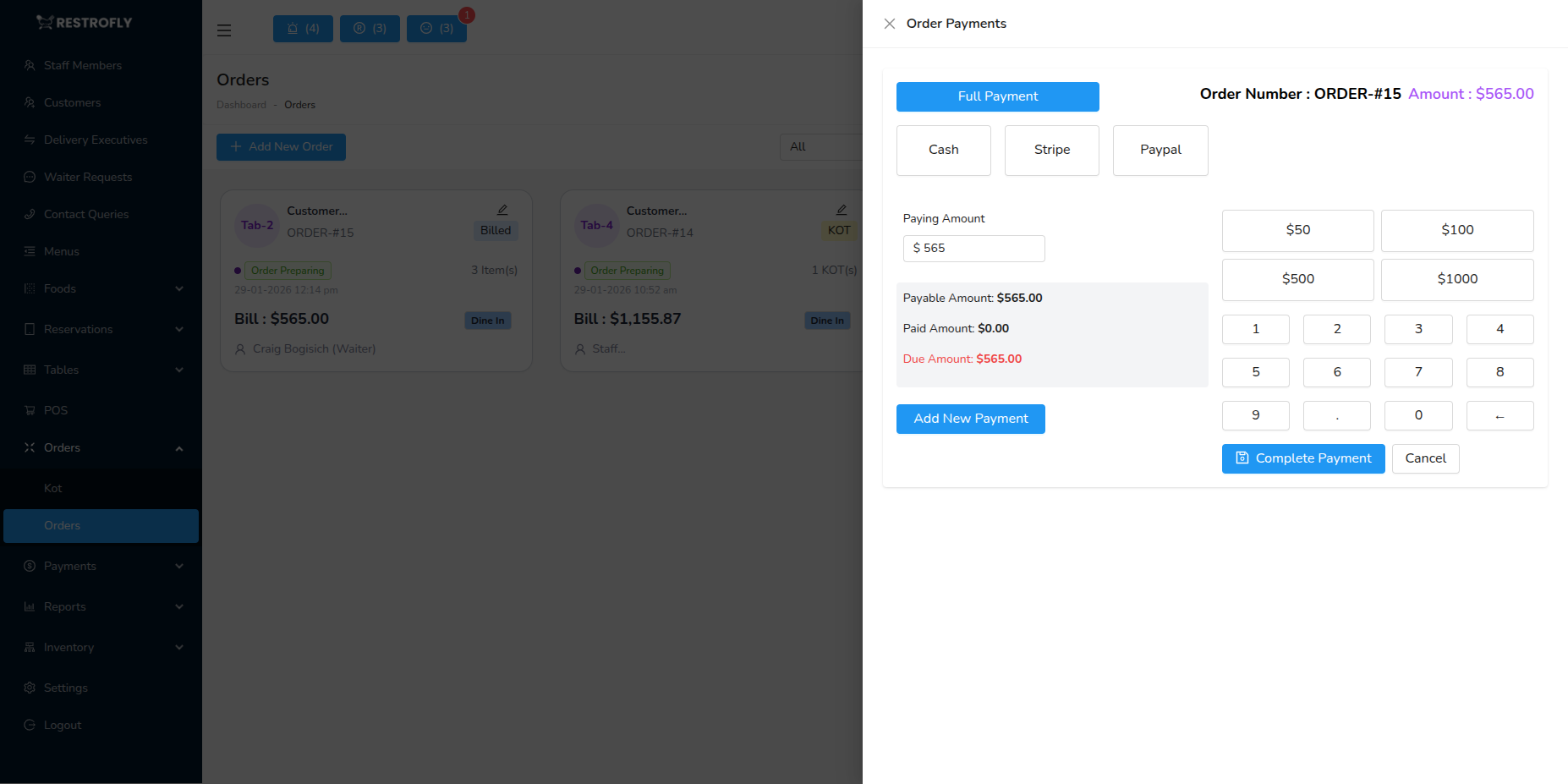
Split Payments: If bill split, shows all payment portions, each method used, total reconciliation
Refunds: If refunded, shows refund amount, refund reason, refund date and method
Payment Reconciliation
Daily Reconciliation:
- Run end-of-day report
- Count physical cash
- Match to cash payments in system
- Verify card payment terminal batch
- Check online payment gateway
- Reconcile discrepancies
- Prepare deposit
Reports:
- Cash payments total
- Card payments breakdown
- Online payments list
- Expected vs actual cash
- Outstanding payments
- Refunds processed
Best Practices
Immediate Entry: Record payments immediately, don't delay entry, ensures accurate tracking
Verify Amounts: Match payment amount to order total, confirm before completing, prevent discrepancies
Receipt Management: Always provide customer receipt, keep merchant copy for cards, file systematically
Secure Handling: Secure cash immediately, verify card authorizations, protect payment data
Daily Reconciliation: Reconcile daily without fail, investigate discrepancies immediately, maintain accurate records
Cash Float
Maintain adequate cash float for change. Running out of change during busy periods creates poor customer experience and slows service.