
Stock Adjustment
Adjust inventory levels for waste, damage, corrections, etc. Navigate to Inventory → Stock Adjustment to record adjustments.
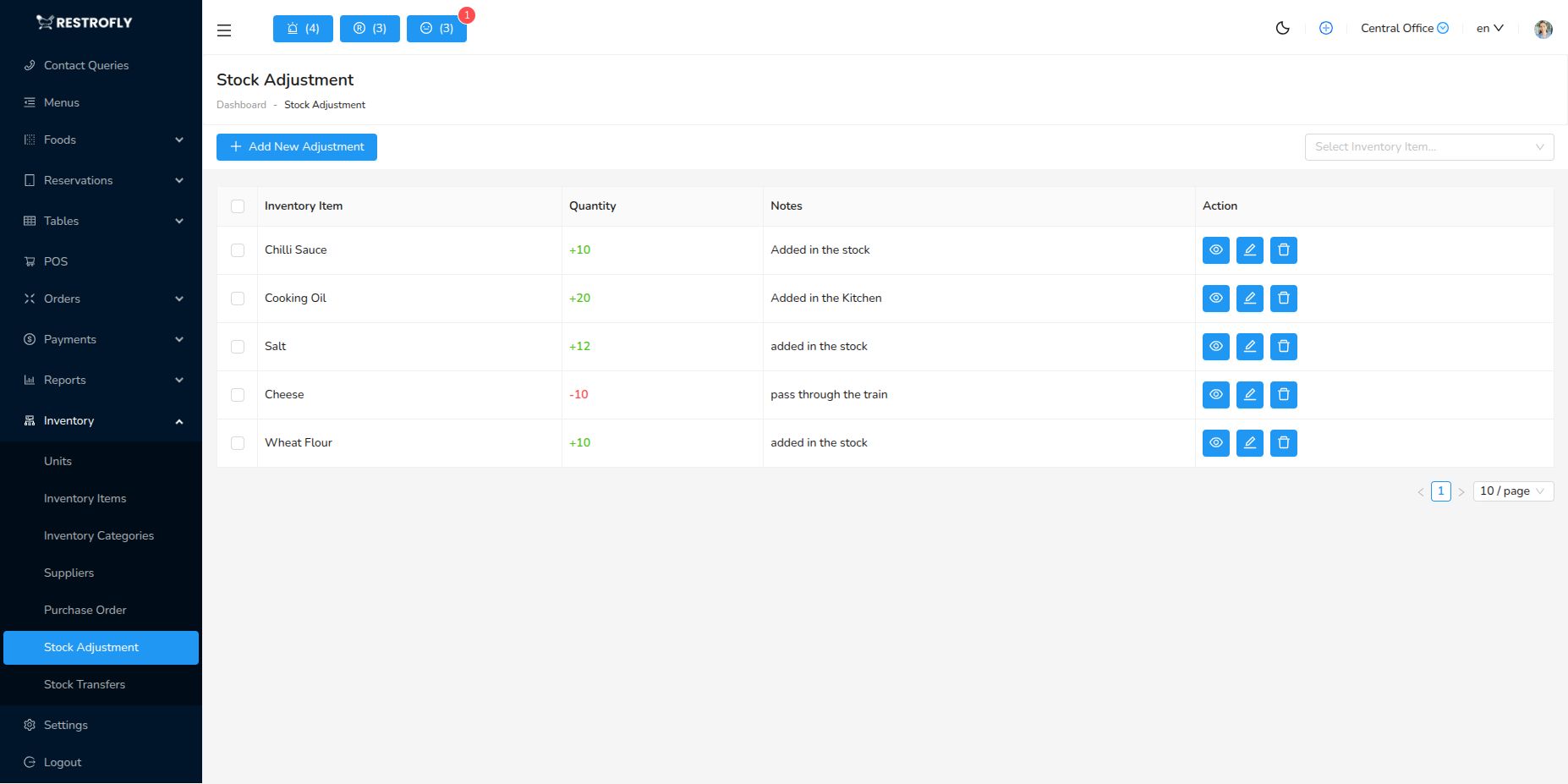
Creating Stock Adjustment
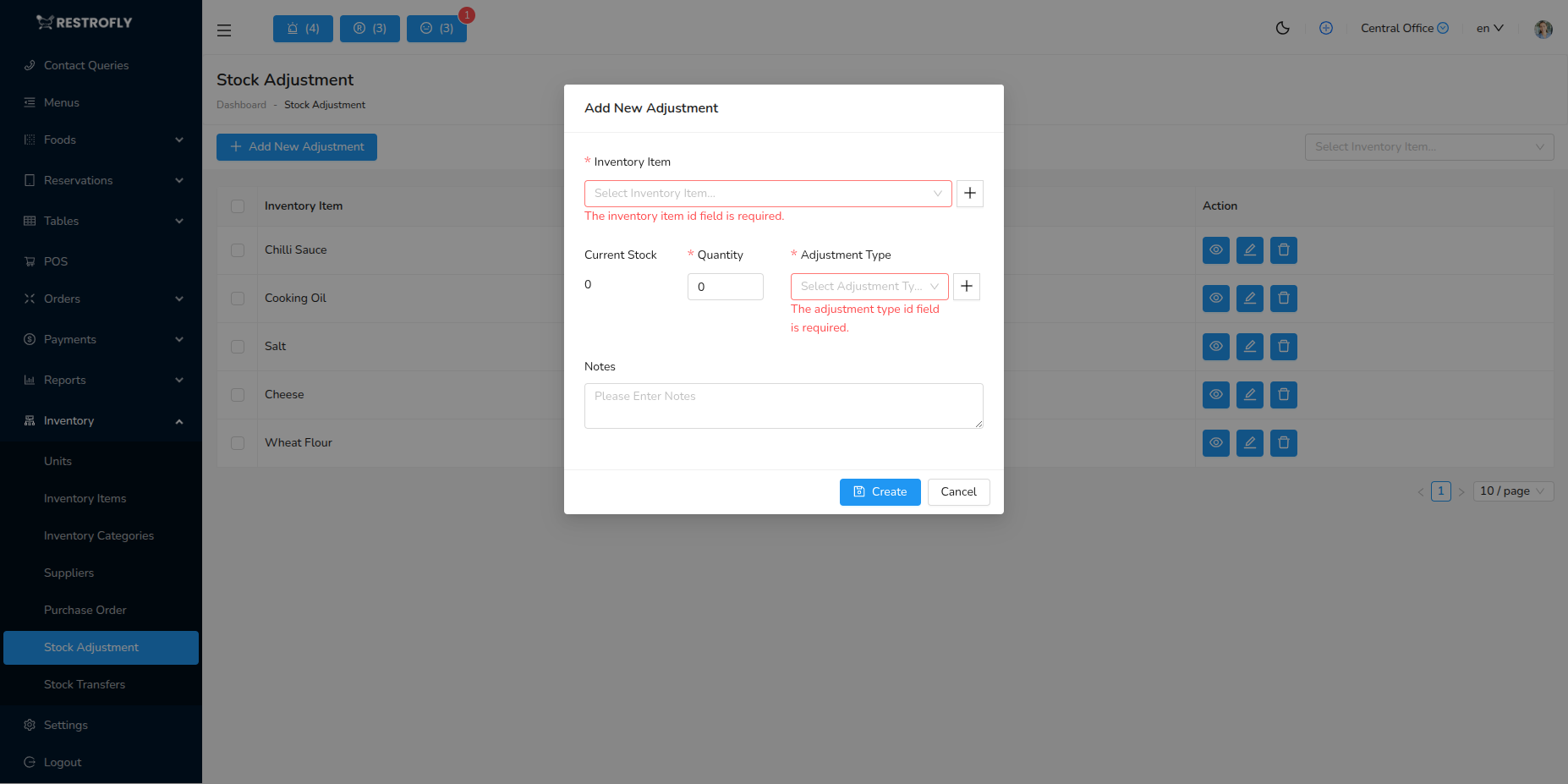
Adjustment Type: Addition or Reduction
Item: Select inventory item
Quantity: Amount to add or subtract
Reason: Waste, Damage, Theft, Count Correction, Expired, Spoilage, Other
Notes: Detailed explanation
Date: When adjustment occurred
Adjustment Reasons
Waste: Food waste during prep, trimmings, overproduction
Spoilage: Items gone bad, expired products
Damage: Broken items, damaged packaging
Theft: Missing inventory
Count Correction: Physical count differs from system, reconciliation
Sampling: Tasting, quality checks
Promotion: Free samples, giveaways
Best Practices
Document Everything: Always note reason for adjustment, maintain audit trail
Regular Counts: Physical counts reveal need for adjustments, do weekly or monthly
Investigate Large Adjustments: Significant discrepancies need investigation, identify root causes
Reduce Waste: Track waste patterns, implement waste reduction strategies
Training: Train staff on proper portioning, storage, handling to reduce waste
Frequent Adjustments
Frequent stock adjustments indicate problems: theft, poor portion control, inadequate storage, or system errors. Investigate and address root causes.