
Database Backup
Database Backup is a critical feature that allows you to backup your restaurant data regularly. You can create and manage database backups by navigating to Settings → Database Backup.
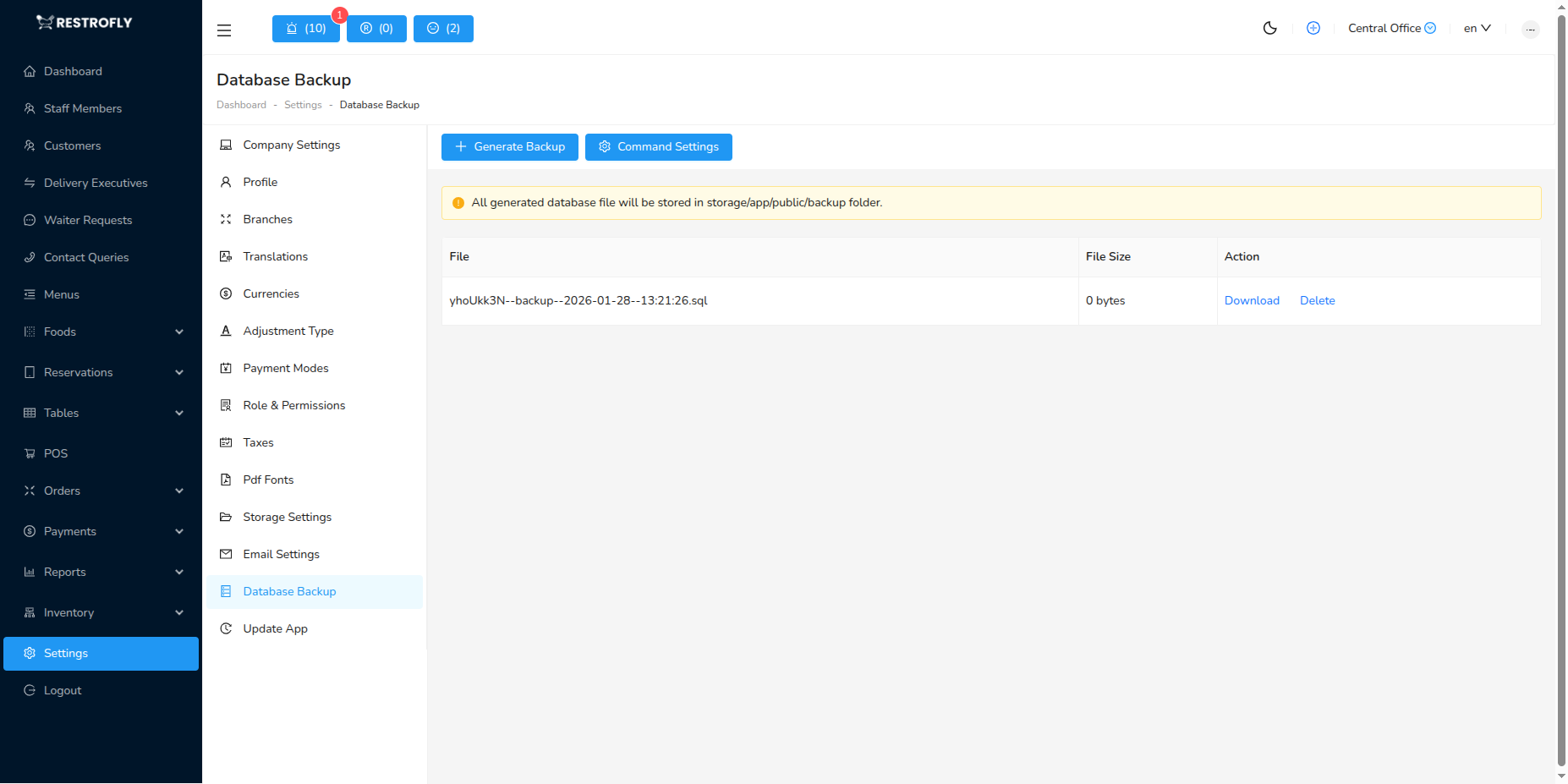
Features:
- Create Backup: Generate a new database backup with one click
- Download Backup: Download existing backup files to your local system
- Delete Backup: Remove old backup files to save storage space
- Auto Backup: Schedule automatic backups (if configured)
Important
Always maintain regular database backups to protect your restaurant data. Store backups in a secure location separate from your main server.
Best Practices
- Create backups before major updates
- Schedule weekly or daily automatic backups
- Keep multiple backup copies
- Test backup restoration periodically