
POS (Point of Sale)
The Point of Sale system for taking orders, creating KOTs, and processing payments. Navigate to POS to access the ordering interface.
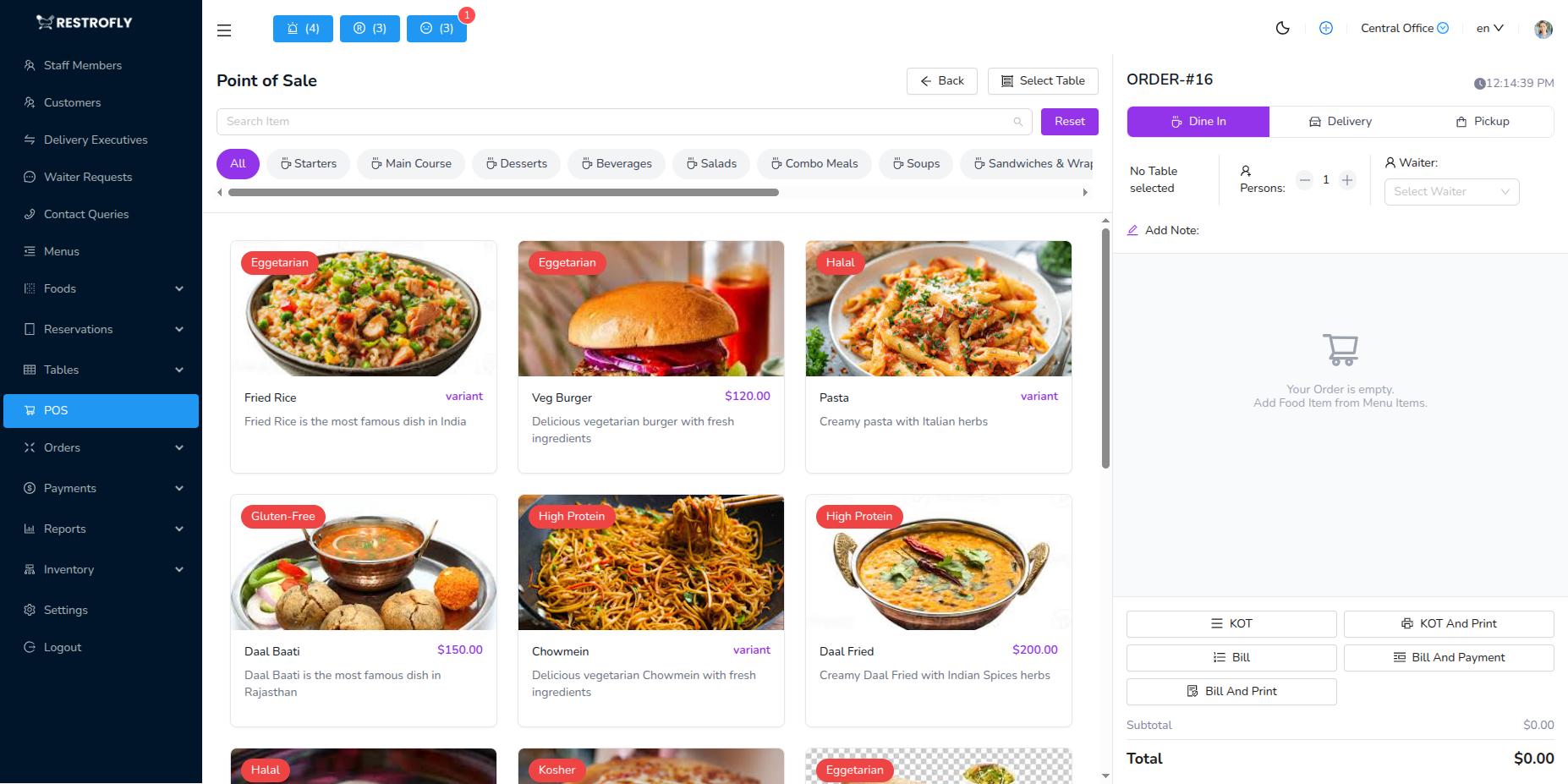
Creating an Order
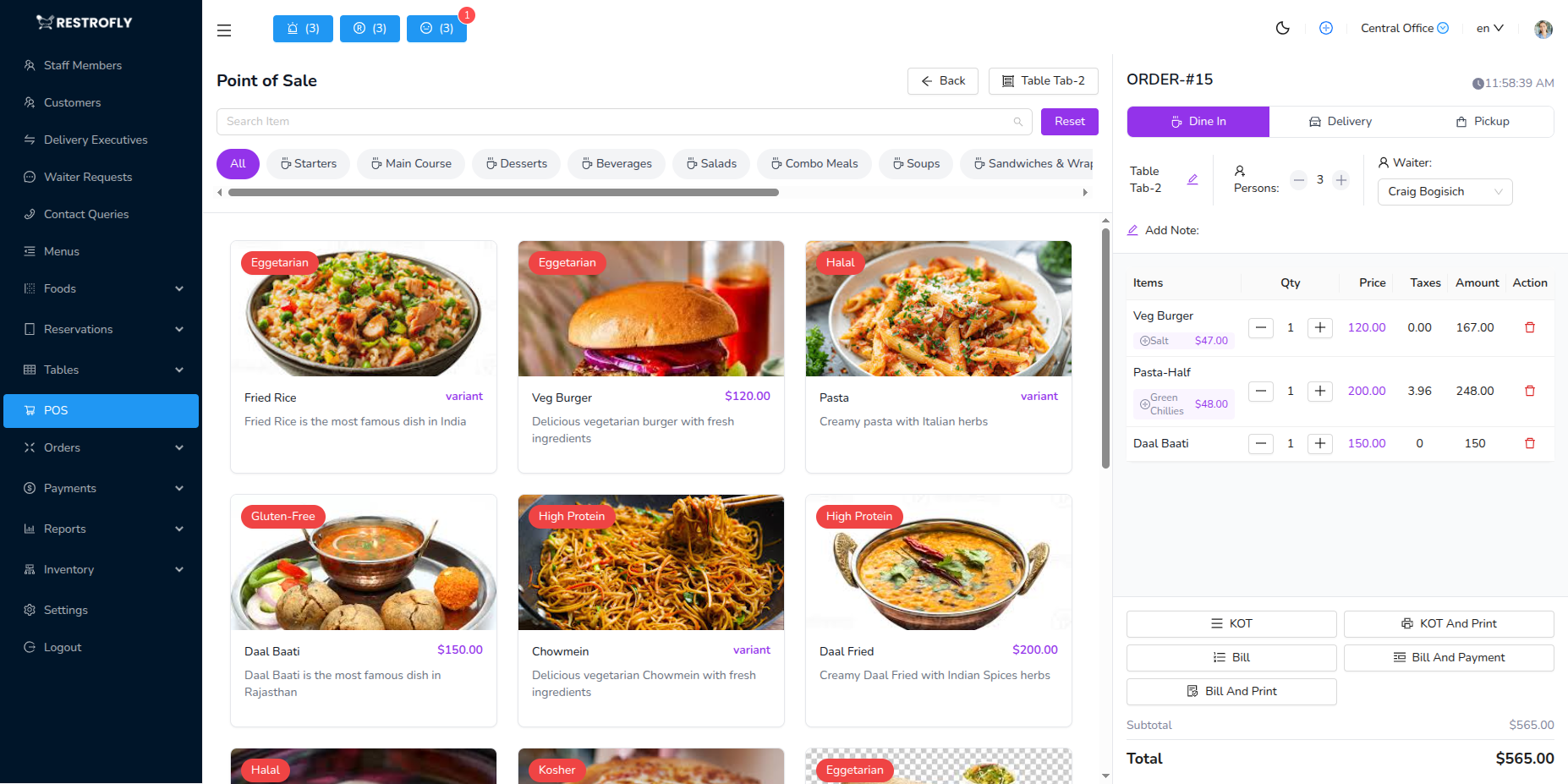
Select Order Type: Dine-In, Takeaway, or Delivery Select Customer: Search existing or create new Select Table: Choose available table (dine-in only) Add Items: Browse menu, add items, adjust quantities Special Instructions: Add notes for kitchen
Kitchen Order Ticket (KOT)
Click Create KOT to send order to kitchen. KOT includes order number, table, items with quantities, special instructions, and time. Can send multiple KOTs for same table (appetizers first, mains later).
Payment Processing
Review order, apply discounts if needed, select payment method (Cash, Card, Online, Split), and complete payment. Receipt automatically prints.
Upselling
Train staff to suggest add-ons naturally: "Would you like fries with that?" to increase average order value.