
QR Codes
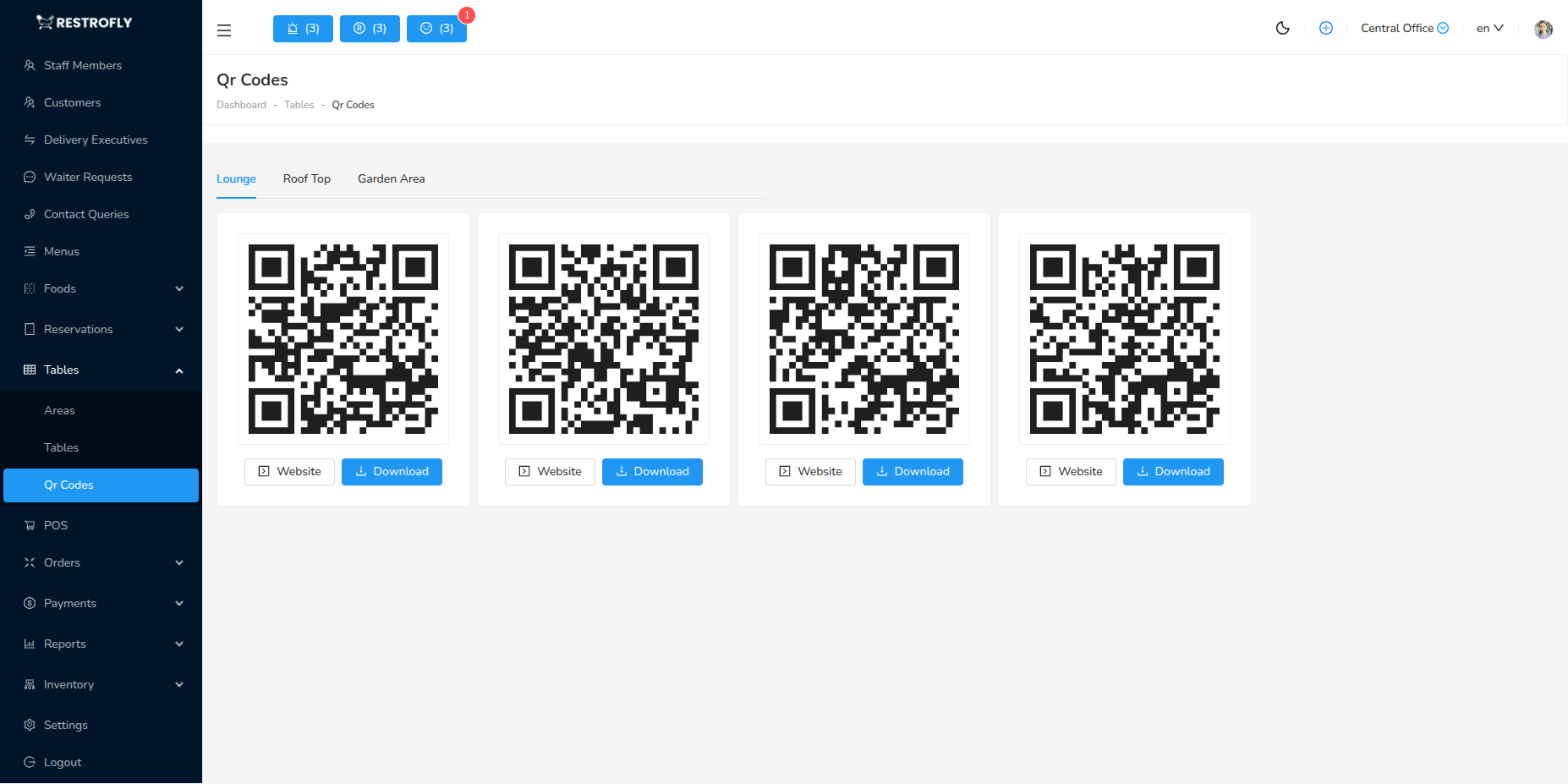
View, download, and print QR codes for all tables. Navigate to Tables → QR Codes for centralized QR code management.
Features
Grid View: All table QR codes displayed with table code and area Filter by Area: View QR codes for specific sections Bulk Download: Download all or selected QR codes at once Multiple Formats: PNG, PDF formats available
Printing QR Codes
Print on cardstock, sticker paper, or photo paper at 300 DPI minimum. Implement using table tents, laminated cards, stickers, or acrylic stands. Include table number, QR code, and instruction text like "Scan to Order".
Quality Matters
Use 300 DPI minimum for reliable scanning. Test all QR codes after printing.